Free Passport Photo Maker Online
Create passport photos online for free. Upload a selfie, crop and format your photo, and create printable passport photo sheets for supported requirements. No registration, no fees, and no watermarks.
How to Create Your Passport Photo
Confirm your destination passport size below, then upload or snap a front-facing photo.
Photo Alignment Guidelines
- Align your chin baseline on the lower horizontal silhouette band.
- Ensure the top of hair / crown coincides safely inside the top border.
- Center eyes symmetrically directly with horizontal lines.
- Keep neutral pose without smiling. Both ears should be visible if possible.
Upload Portrait Selfie
Drag & drop your photo here, browse local files, or capture with your camera.
Blueprint & Rulers Metric
Compliance format: USA Passport
Head must be 1 to 1 3/8 inches (25-35 mm) from the bottom of the chin to the top of the hair. Click the dashed guidelines on the model portrait avatar above to read precise metrics.
Enjoying FreshPassPhoto? Keep it free & share with travelers
Share across WhatsApp, Facebook, X, LinkedIn, Telegram, Reddit, Pinterest, or support hosting with a coffee.
How to Take the Perfect Passport Photo
Photo issues are usually caused by simple errors like uneven face level or background shadowing. Follow our alignment guidelines.
 STEP 01 / 04
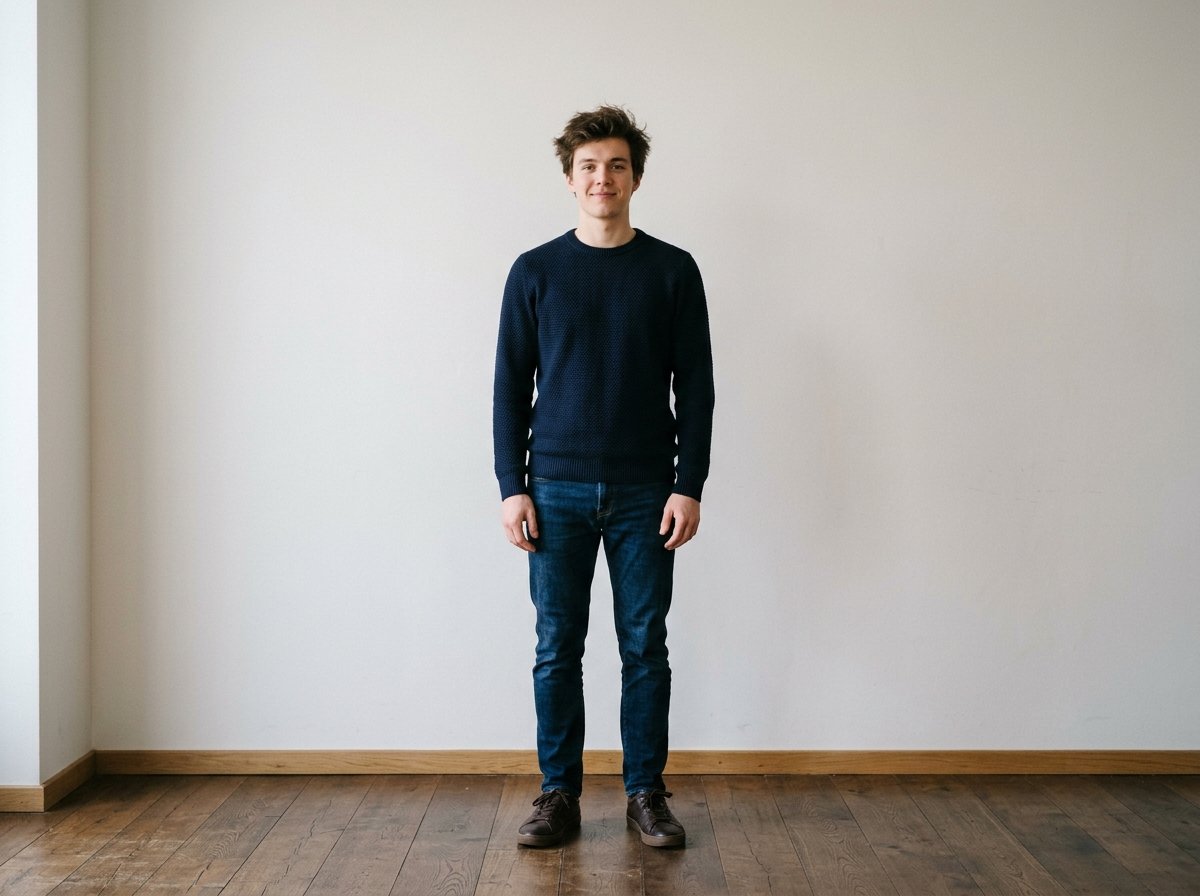
Step 01 · Environment
Find a Clean Wall
Stand 4 feet in front of a plain white, off-white, light gray, or pastel wall to eliminate wall shadows.
 STEP 02 / 04
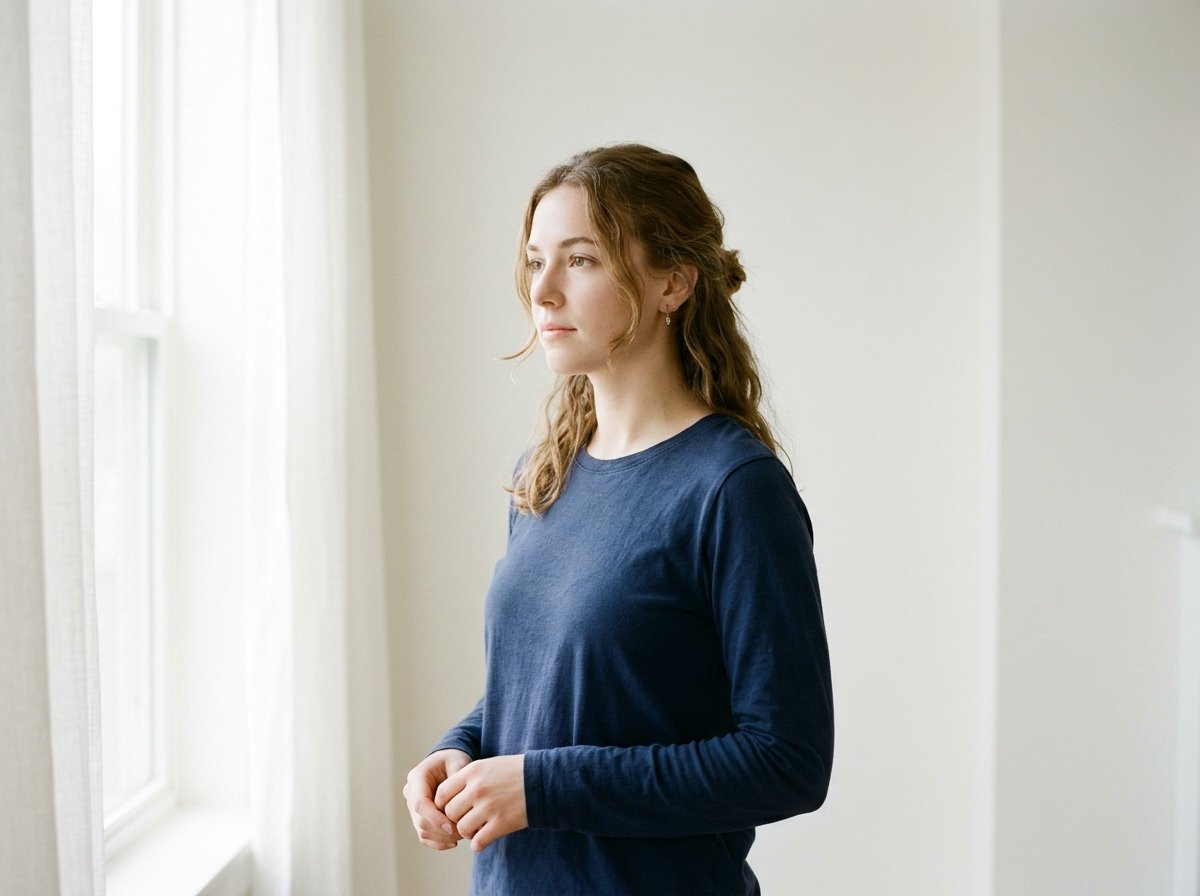
Step 02 · Lighting
Balance Daylight
Face a wide window directly so natural light illuminates both sides of your face evenly without glare.
 STEP 03 / 04
Step 03 · Posture
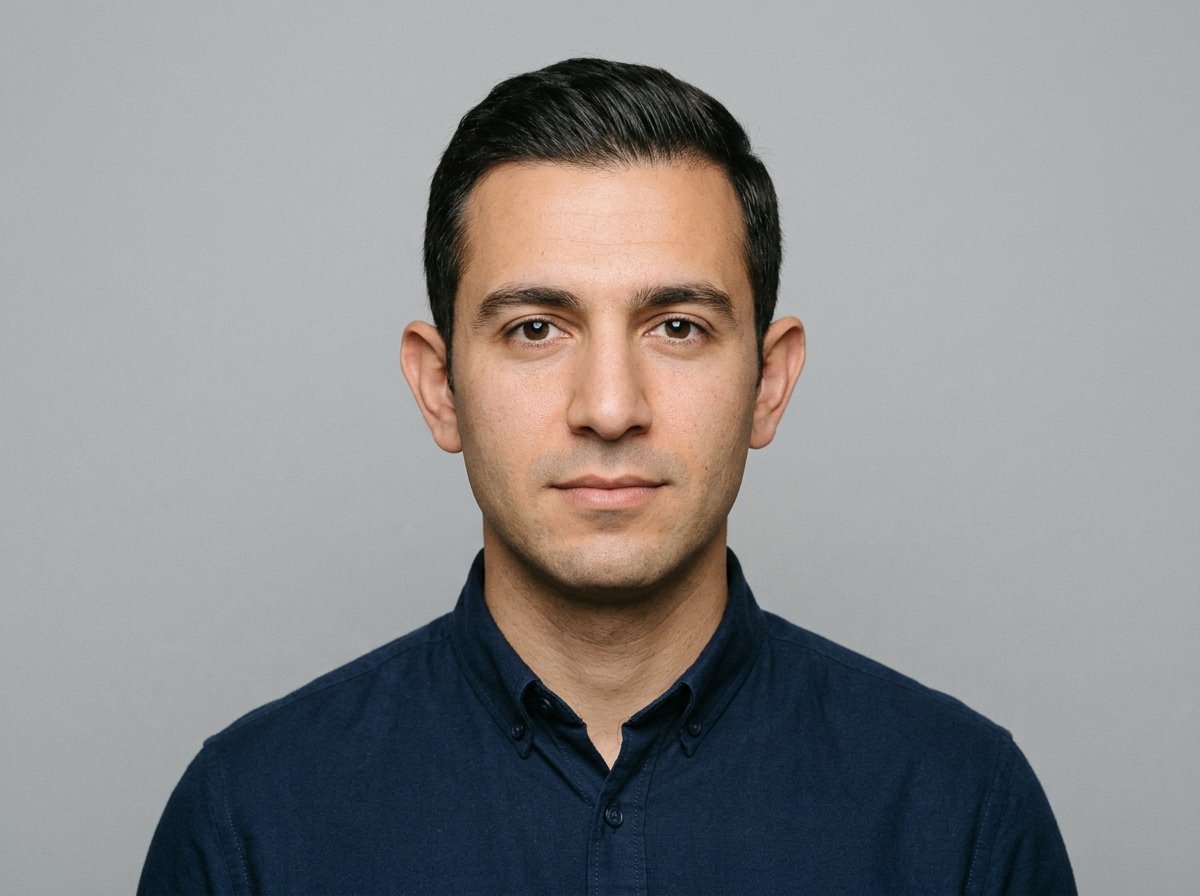
Direct Headshot
Look straight into the camera at eye level with shoulders level, ears visible, and a neutral mouth.
 STEP 04 / 04
Step 04 · Crop & Print
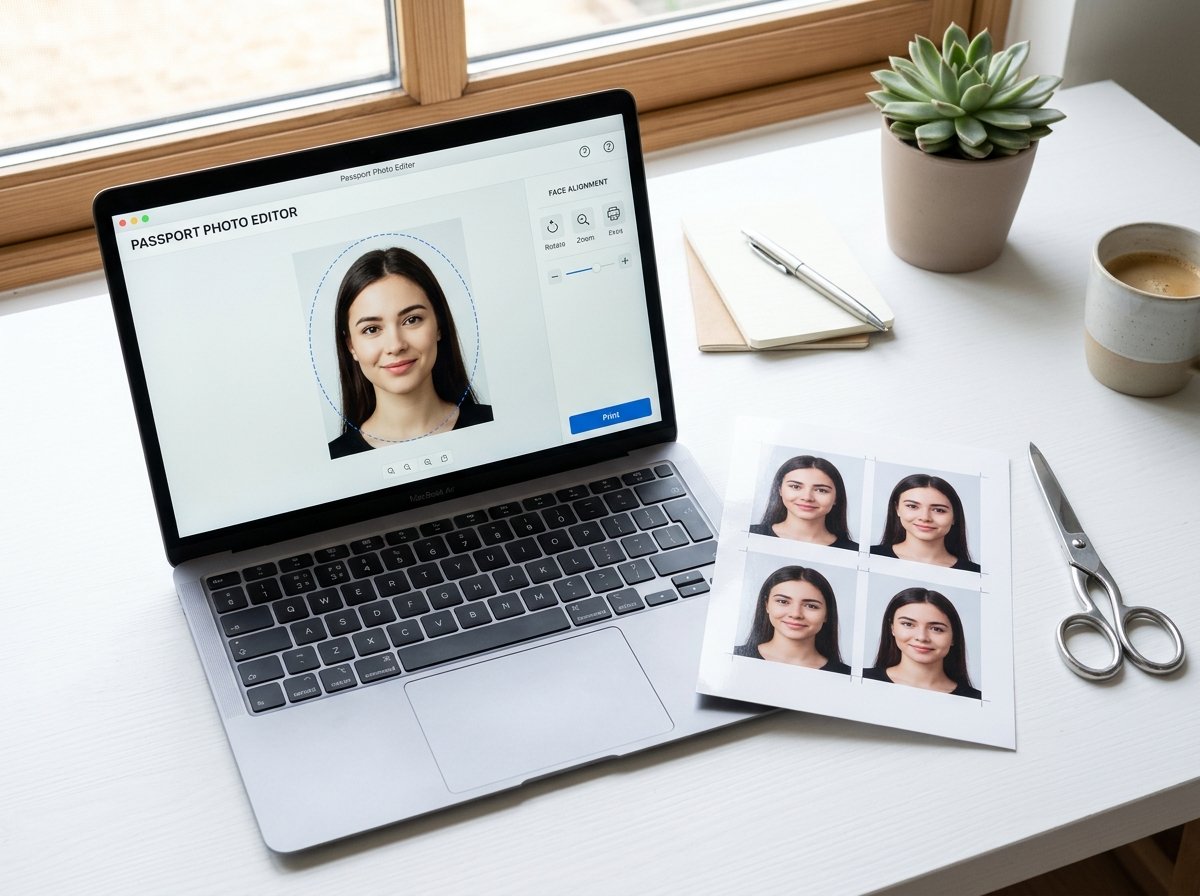
Align, Swap & Download
Fit chin and crown to the biometric oval, clean up the backdrop with AI, and export a 4×6" sheet.
Got your selfie ready? Finish in under 60 seconds.
Pick your country preset, align inside the biometric oval, and export a single file or printable sheet.
Correct Practices (Dos)
- •Maintain a completely neutral mouth shape with both eyes fully open and gazing straight forward.
- •Keep your shoulders perfectly level and visible in the portrait frame.
- •Ensure your outer ears are clear of thick locks or stray hair overlaps.
- •Take a picture with high-resolution clarity and natural skin lighting filters.
Common Mistakes to Avoid (Don'ts)
- •No Glasses: Prescription glasses, tints, or sunglasses are strictly banned by US and major state departments.
- •No Headgear: Headwear, activewear caps, or headbands are rejected unless worn continuously for religious beliefs.
- •No Smiles: Smiling so teeth are visible alters facial geometry and may cause the photo to fail passport requirements.
- •No Heavy Cast Shadows: Flash light sources against backgrounds cause thick halos that consular inspectors flag immediately.
Supported Passport & Visa Sizing Spec
We support all official standards including USA, Schengen, UK, Canada, and India. Each configuration follows official consular guidelines for automated background coloring and head proportions.
Showing 14 of 14 configured dimensions
USA Passport
50.8 x 50.8 mm (2 x 2 in)
United States Passport
50.8 × 50.8 mm · Official Spec
Plain white / off-white · 2×2 in
USA Visa (DS-160)
50.8 x 50.8 mm (2 x 2 in)
US Visa & Passport (DS-160)
50.8 × 50.8 mm · Official Spec
Plain white · 2×2 in square
United Kingdom (UK) Passport
35 x 45 mm (1.4 x 1.8 in)
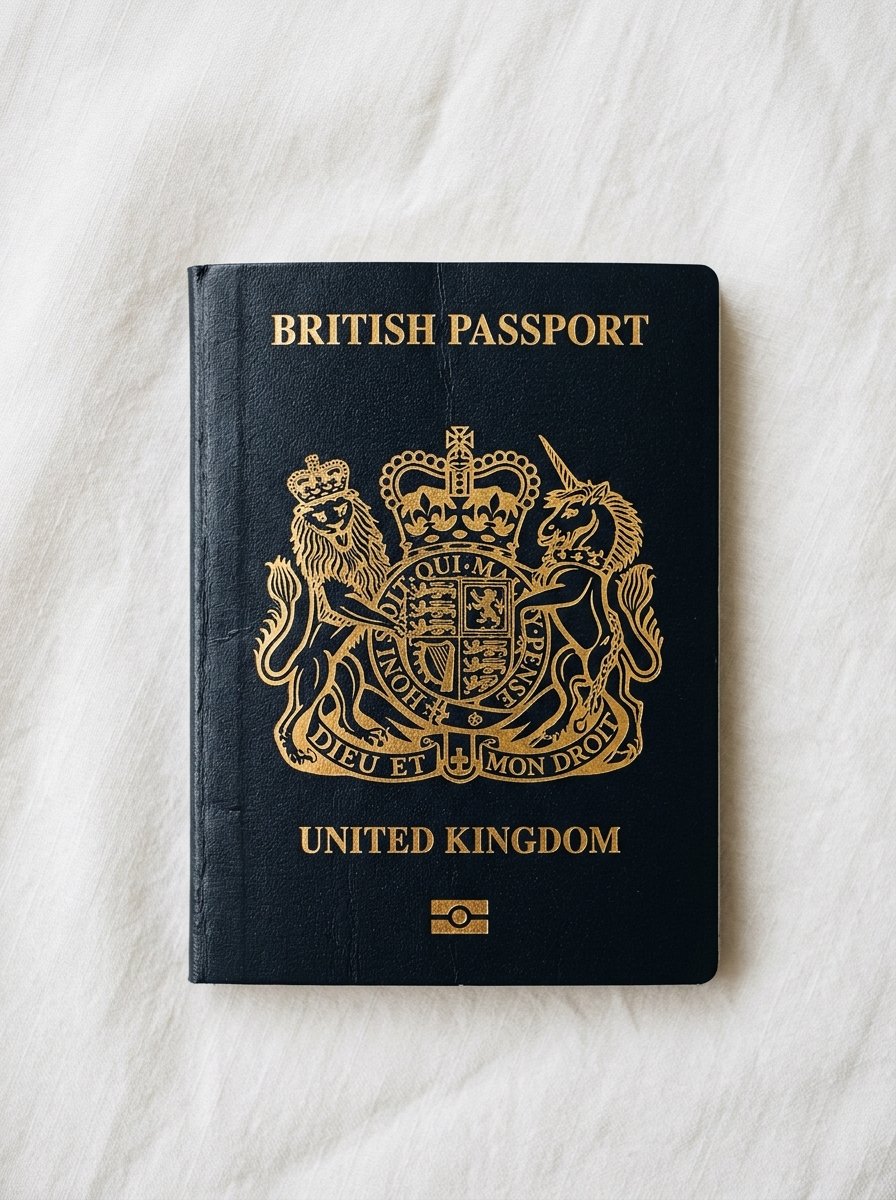
British Passport (UK)
35 × 45 mm · Official Spec
Light grey or cream · 35×45 mm
India Passport / OCI
50.8 x 50.8 mm (2 x 2 in)
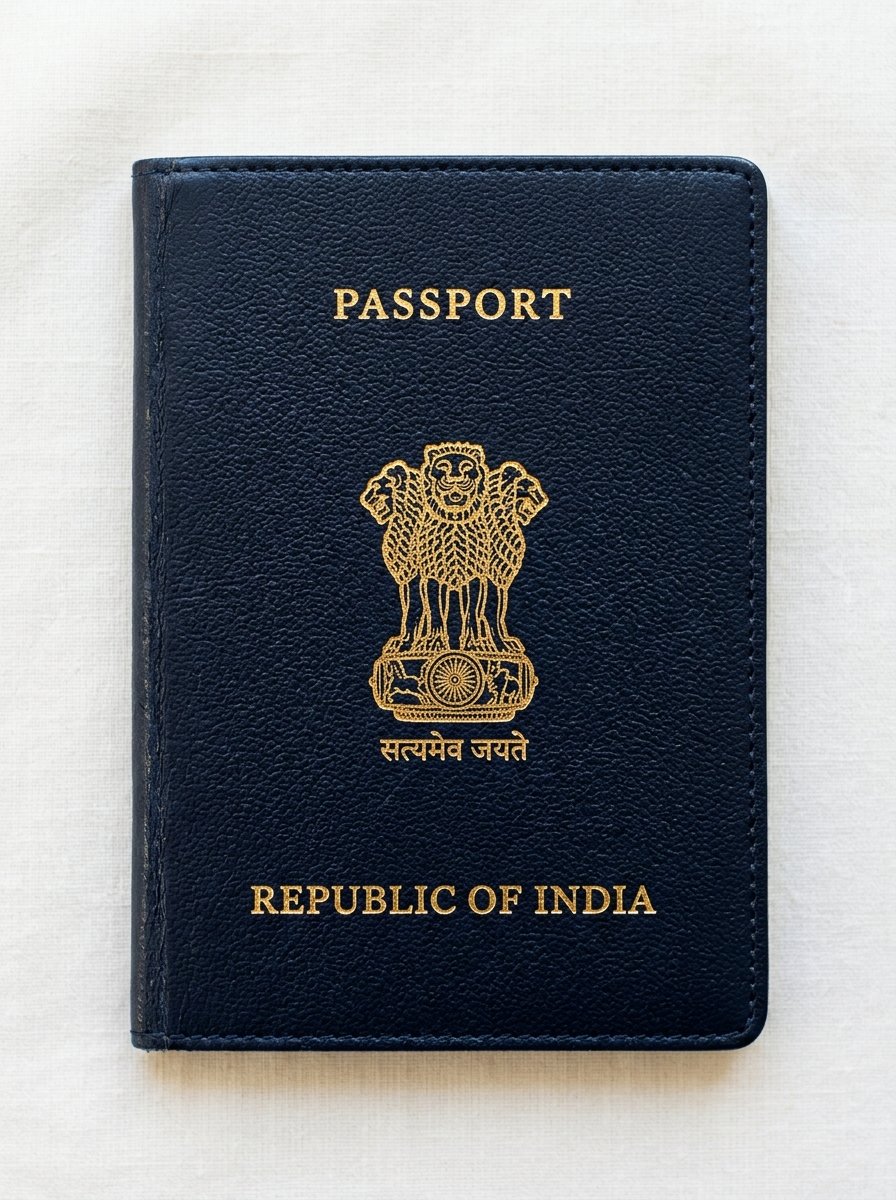
Republic of India Passport
50.8 × 50.8 mm · Official Spec
Plain white · 50.8×50.8 mm
Canada Passport
50 x 70 mm (2 x 2.8 in)
Canadian Passport
50 × 70 mm · Official Spec
Plain white / light · 50×70 mm
Schengen / EU Visa
35 x 45 mm (1.4 x 1.8 in)
European Union / Schengen
35 × 45 mm · Official Spec
Light neutral grey · 35×45 mm
Australia Passport
35 x 45 mm (1.4 x 1.8 in)
Australian Passport
35 × 45 mm · Official Spec
Plain white / light grey · 35×45 mm
New Zealand Passport
35 x 45 mm (1.4 x 1.8 in)
New Zealand Passport
35 × 45 mm · Official Spec
Light solid colour · 35×45 mm
China Passport / Visa
33 x 48 mm (1.3 x 1.9 in)
China Passport / Visa
33 × 48 mm · Official Spec
Plain white / light blue · 33×48 mm
Japan Passport
35 x 45 mm (1.4 x 1.8 in)
Japanese Passport
35 × 45 mm · Official Spec
Plain solid light · 35×45 mm
Singapore Passport
35 x 45 mm (1.4 x 1.8 in)
Singapore Passport
35 × 45 mm · Official Spec
Plain white · 35×45 mm
UAE (Dubai) Visa
43 x 55 mm (1.7 x 2.2 in)
UAE Passport & Visa
43 × 55 mm · Official Spec
Plain white · 43×55 mm
Germany (Deutschland) Passport / Ausweis
35 x 45 mm (1.4 x 1.8 in)
German Reisepass
35 × 45 mm · Official Spec
Plain light grey · 35×45 mm
France Passeport / Titre d'Identité
35 x 45 mm (1.4 x 1.8 in)
French Passeport
35 × 45 mm · Official Spec
Light grey or light blue · 35×45 mm
Explore Passport Photo Tools & Specifications
Free online photo formatting resources for global travel requirements.
Specialized Photo Tools
Country Specifications
Photo Taking Guides
- How to Take a Passport Photo at Home with Your Phone | FreshPassPhoto
- Passport Photo Size Guide
- How to Print Passport Photos for Under 50 Cents (Walgreens, CVS, Walmart) | FreshPassPhoto
- Passport Photo Background Requirements: White, Grey, or Blue? | FreshPassPhoto
- Can I Use a Selfie for a Passport Photo? What Governments Allow | FreshPassPhoto
Frequently Asked Questions
Learn more about biometric compliance, layout dimensions, print specifications, and color profiles before generating.
Need Help Setting Up Your Photo?
We recommend taking your picture standing 4 feet away against any neutral wall with uniform window light facing your front. This prevents side-shadows which are the principal cause of rejection. Adjust contrast sliders inside our tool after uploading to brighten up dark colors.